Snap a screenshot from MetaTrader or TradingView and Journalize reads the trade for you. Track your rules, review your edge, and keep every byte private on your own Google Drive.
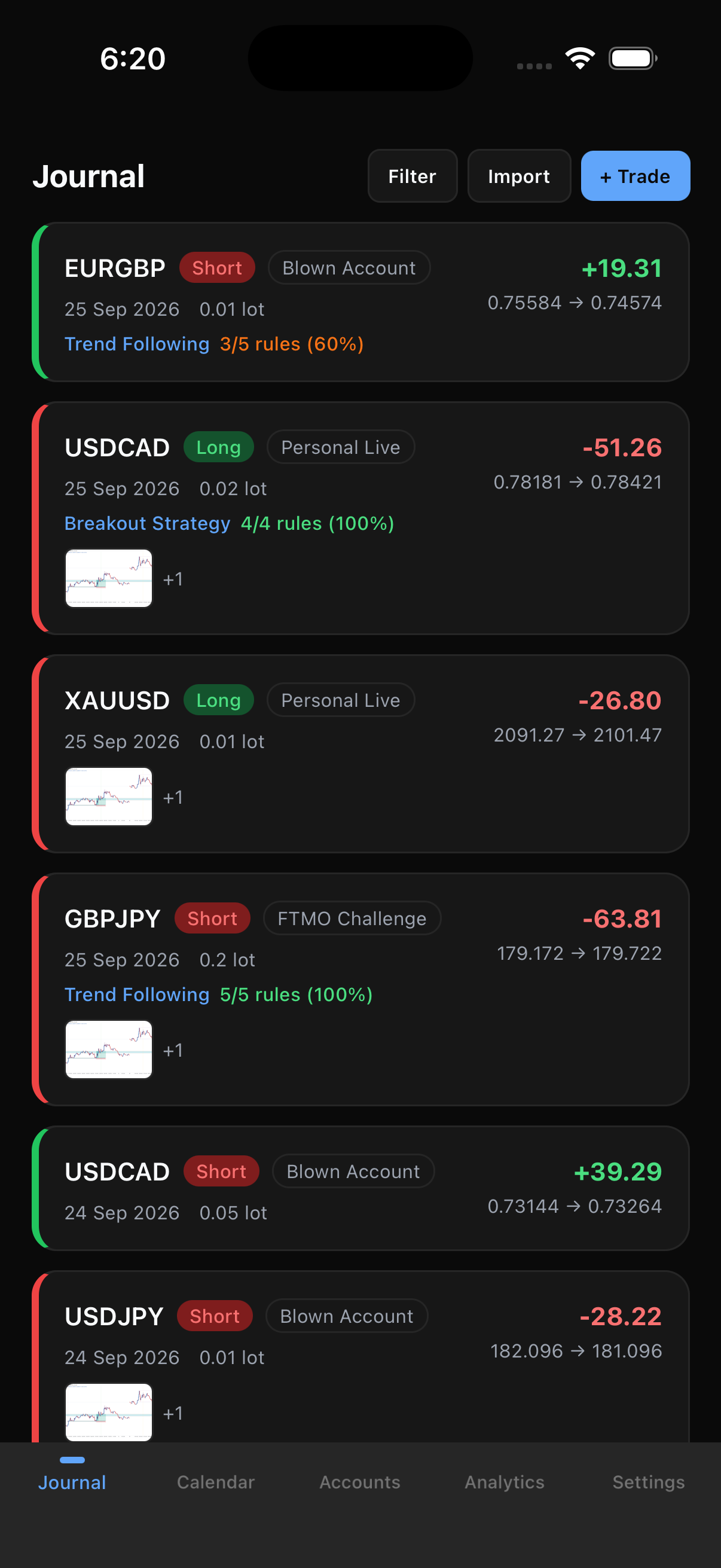
Snap → Log
Import from a screenshot
Multi-account
Live, funded & prop
Rule-aware
Track your discipline
Private
Your own Google Drive
You already screenshot your entries. Share one into Journalize and it reads the symbol, direction, prices, and size straight off the image, then drops a ready-to-review trade into your journal. Attach the chart, check off the rules you followed, and save.
Share or pick a screenshot
From MetaTrader, TradingView, or your camera roll.
Journalize reads the trade
On-device text extraction pulls out the details, no typing.
Review, tag, and save
Confirm the numbers, check your rules, and it is journaled.
Every screen is designed to answer one question fast: is my process working?
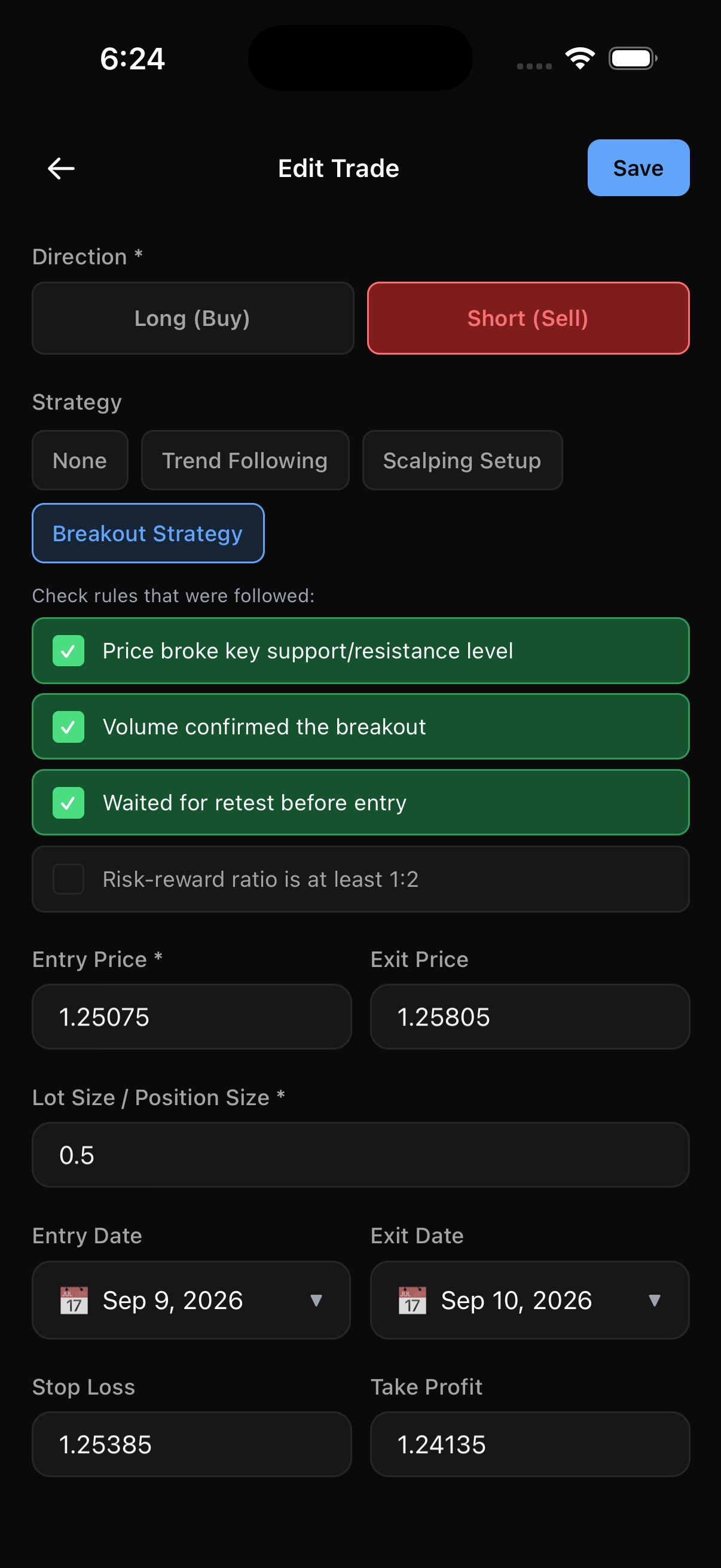
Pick a strategy, then check off the rules you actually followed on the trade. Journalize records your compliance so you can see whether breaking your own rules is what is costing you.
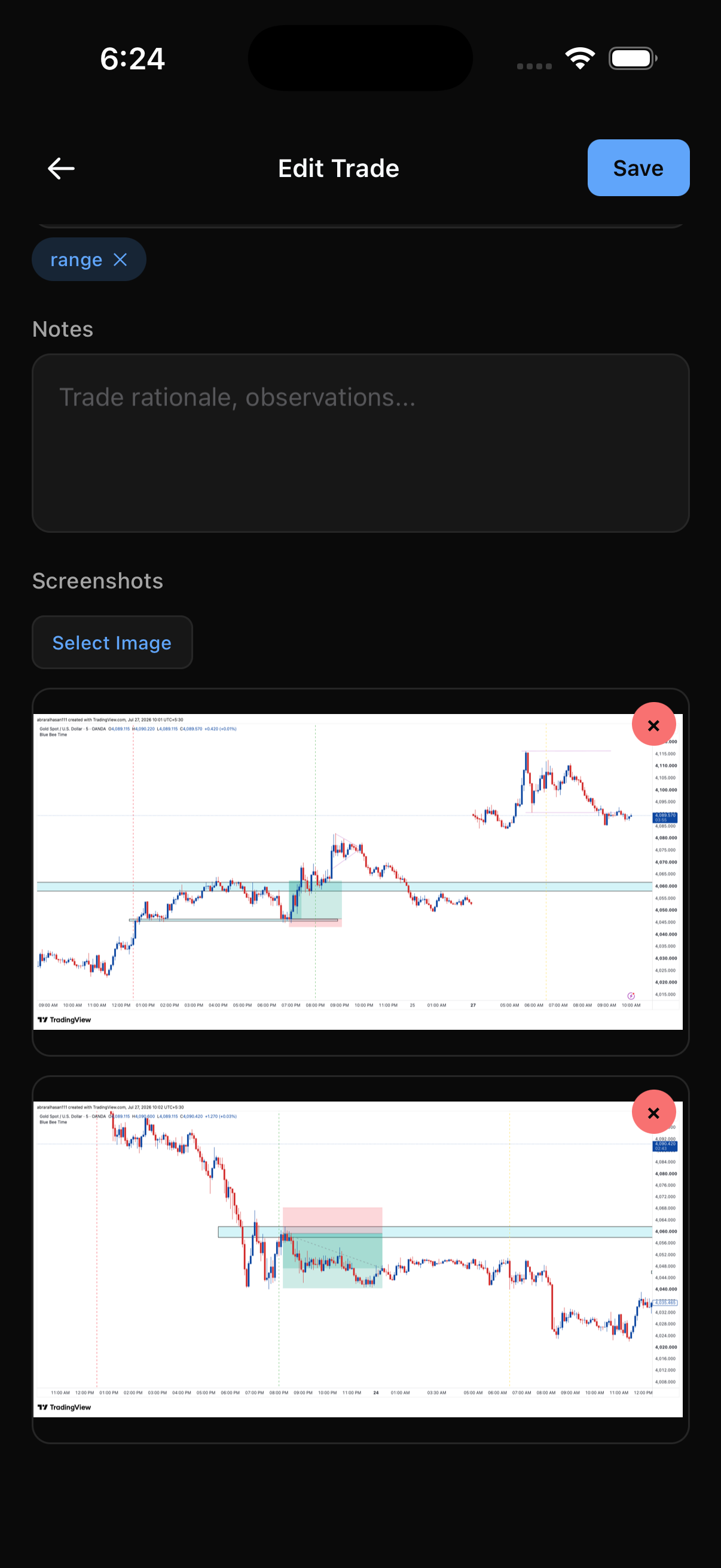
Attach the chart screenshots that made you take the trade, add tags, and write down your rationale while it is fresh. When you review later, the whole story is in one place.
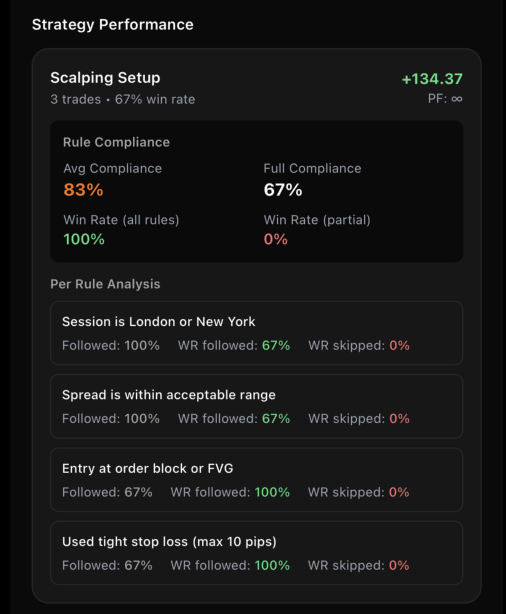
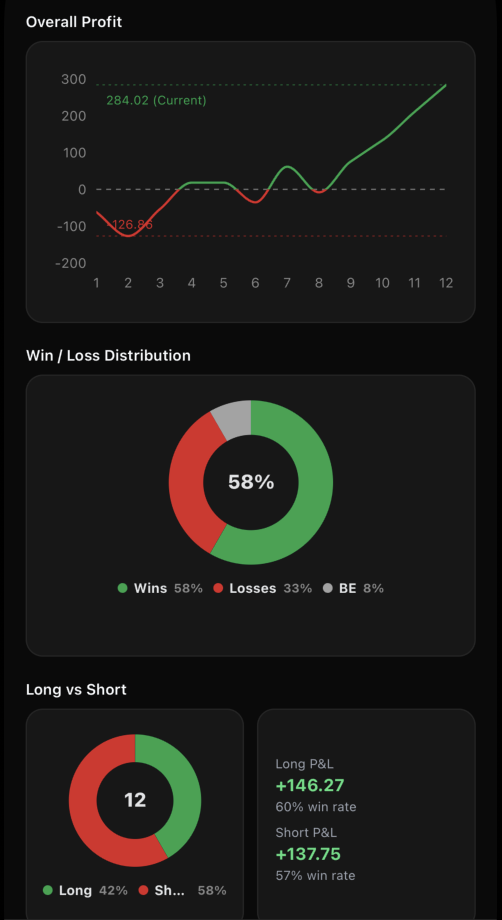
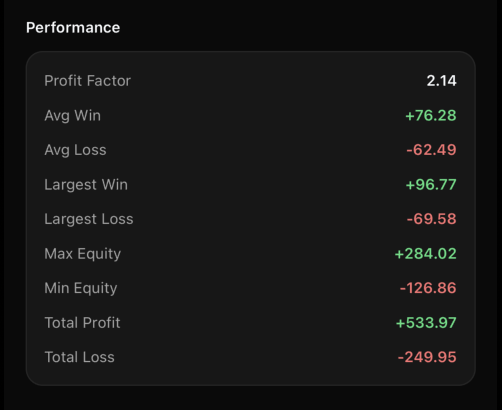
Equity curve, win-rate distribution, long-versus-short, profit factor, and per-strategy rule analysis. The numbers that tell you what is actually working.
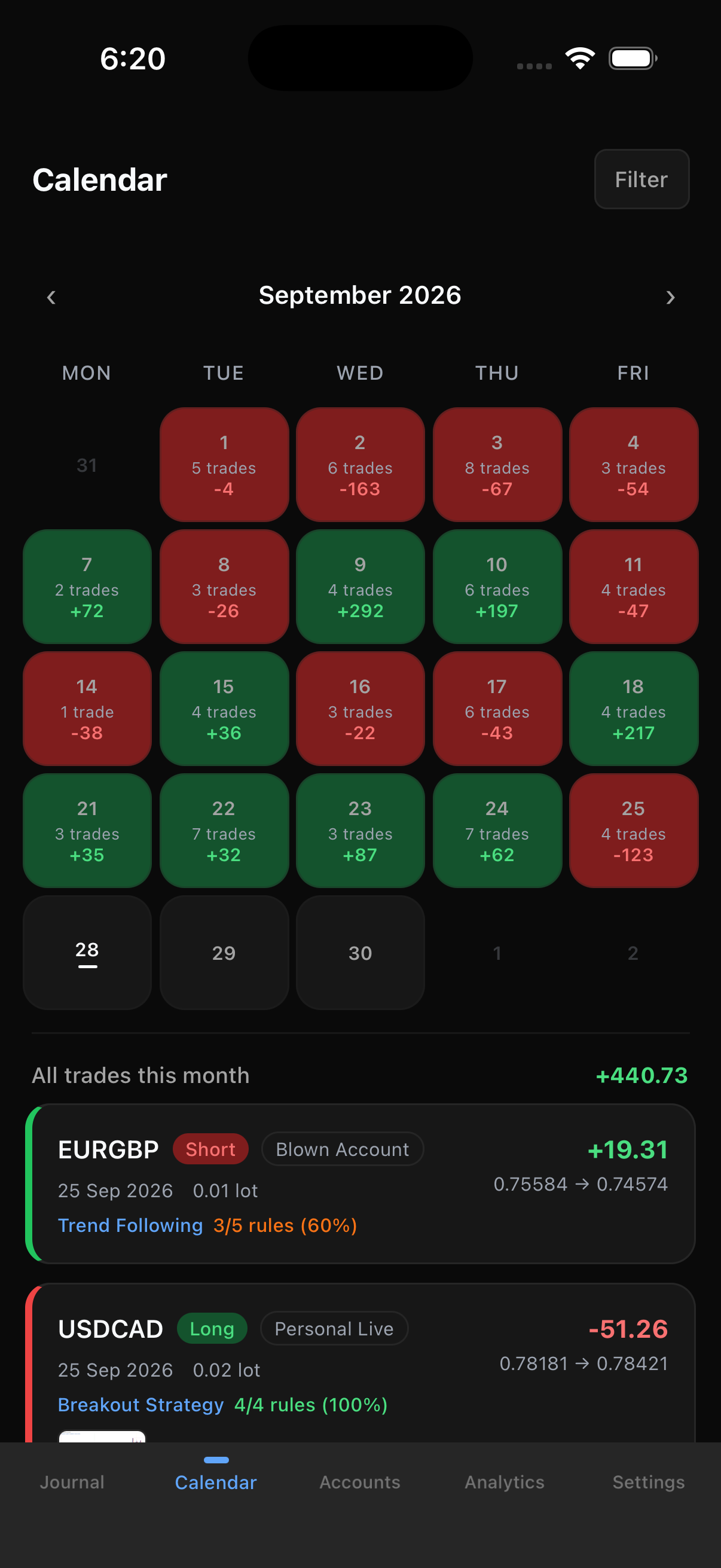
Green days, red days, and the monthly total. Spot your patterns, your revenge-trading streaks, and your best sessions instantly.
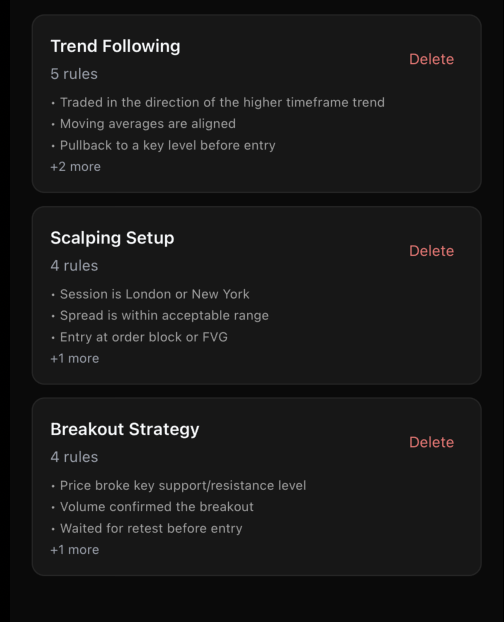
Define a rule set once. Attach it to every trade and measure which rules earn their keep.
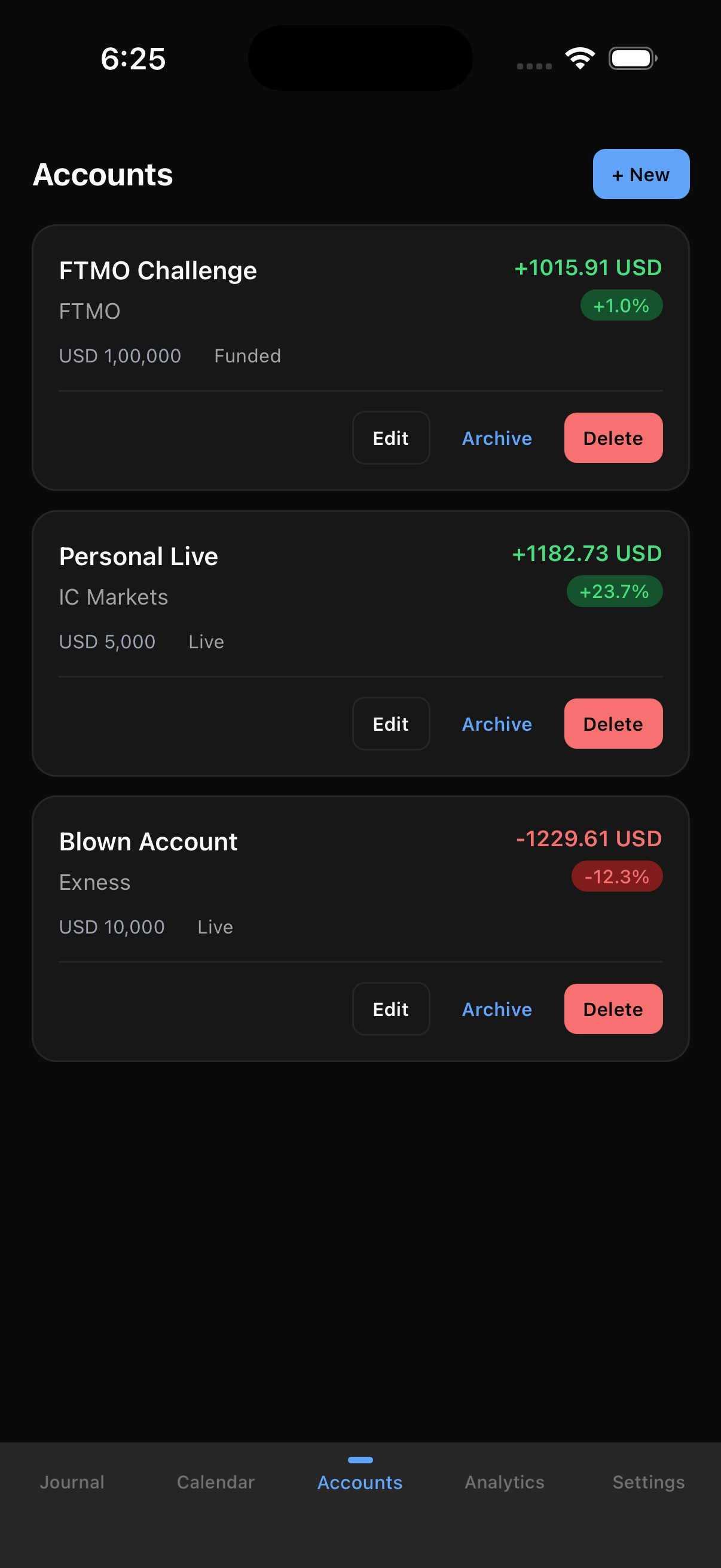
Track live, funded, and prop-firm accounts side by side, each with its own balance and return. Tag trades to the account they belong to and keep your prop challenge separate from your live money.
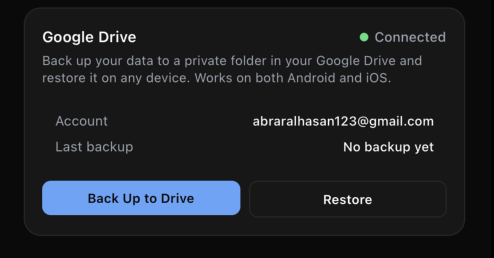
Journalize runs offline and stores everything on your device. When you want a backup, it saves an archive to a private folder in your own Google Drive, and restores it on any device. We never receive a copy.
Journalize's use of information received from Google APIs adheres to the Google API Services User Data Policy, including the Limited Use requirements. Read the full Privacy Policy.
Journalize is a calm, private, offline-first journal for iOS and Android. Have a question about the app or your data? The developer answers personally.
Contact us